.png?width=200&height=92&name=Tribal%20Logo%20Dark%20Grey%20(1).png)
If you run a digital social selling programme, you've probably seen it. LinkedIn Sales Navigator licences are allocated, everyone gets the same training and three months later adoption has stalled across half the team.
The reason is simple. A rep hunting for new logos and a rep growing an existing customer do very different jobs. One needs to earn a first conversation with strangers. The other needs to widen a relationship that already exists. Train them the same way and the enablement fits one group while the other tunes out.
This guide is for the programme managers and sales enablement leads who design that enablement. It sets out how to split your LinkedIn Sales Navigator enablement for hunters and farmers, which features each group should master and how to measure the programme so it earns its keep.
Key takeaways
- Split LinkedIn Sales Navigator training into two tracks: new business prospecting for hunters, and account expansion for farmers.
- Hunters need profile and presence coaching before tool training, because buyers check the profile before they reply.
- Farmers need account mapping and multi-threading, because single-threaded accounts are exposed to every reorganisation.
- Each track uses a different set of LinkedIn Sales Navigator features, alerts and lists.
- Measure each group on outcomes that match its job, rather than shared activity metrics such as InMails sent.
- Build a handover so champion moves spotted by farmers become warm leads for hunters.
LinkedIn Sales Navigator for new business: how to enable your hunters
Hunters are account executives prospecting for net new logos. Their challenge is getting noticed by buyers who don't know them yet, so your training track needs to build presence first and tool skills second.
Start with the LinkedIn profile before the tool
A buyer will look at a rep's LinkedIn profile before they reply to any outreach. If the profile reads like a quota carrier with a job title, the best LinkedIn Sales Navigator search in the world won't get a response.
- Run a profile workshop in week one. Rewrite headlines and About sections around the customer's problem and the rep's point of view.
- Give hunters content to share. A steady flow of relevant posts gives buyers a reason to recognise the name when a message lands. Make sure this content is tuned into the issues customers are experiencing as well as case studies within their industry.
The LinkedIn Sales Navigator features hunters should master
- Saved searches built on your ideal customer profile. Set them up with each rep, filtered by industry, company size, function and seniority, with alerts switched on so new matches arrive automatically.
- Personas . It'll help them reach the right people quicker than clicking lots of filters to find them
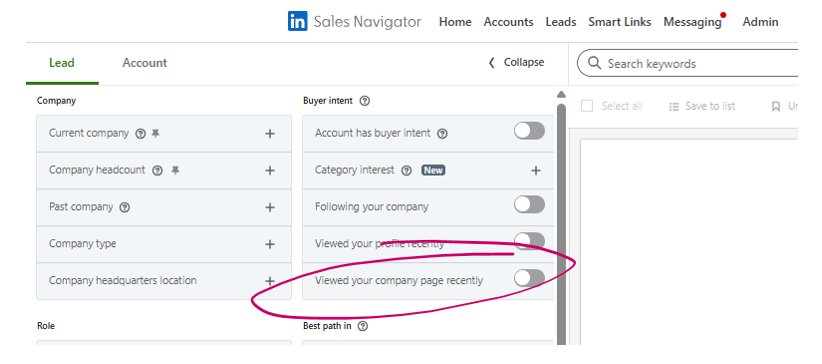
- Spotlight filters. Teach reps to filter for people who changed jobs in the last 90 days, posted on LinkedIn recently or follow (or recently viewed your company page - yes, that's NEW by the way) your company page. These surface buyers who are already warm to your brand.
- Buyer intent and account interest signals. Show reps how to use these to decide where their attention goes each week.
- TeamLink and past colleague connections. Make warm introductions the default route in, with a warm InMail as the last resort.
What to coach hunters on and what to watch
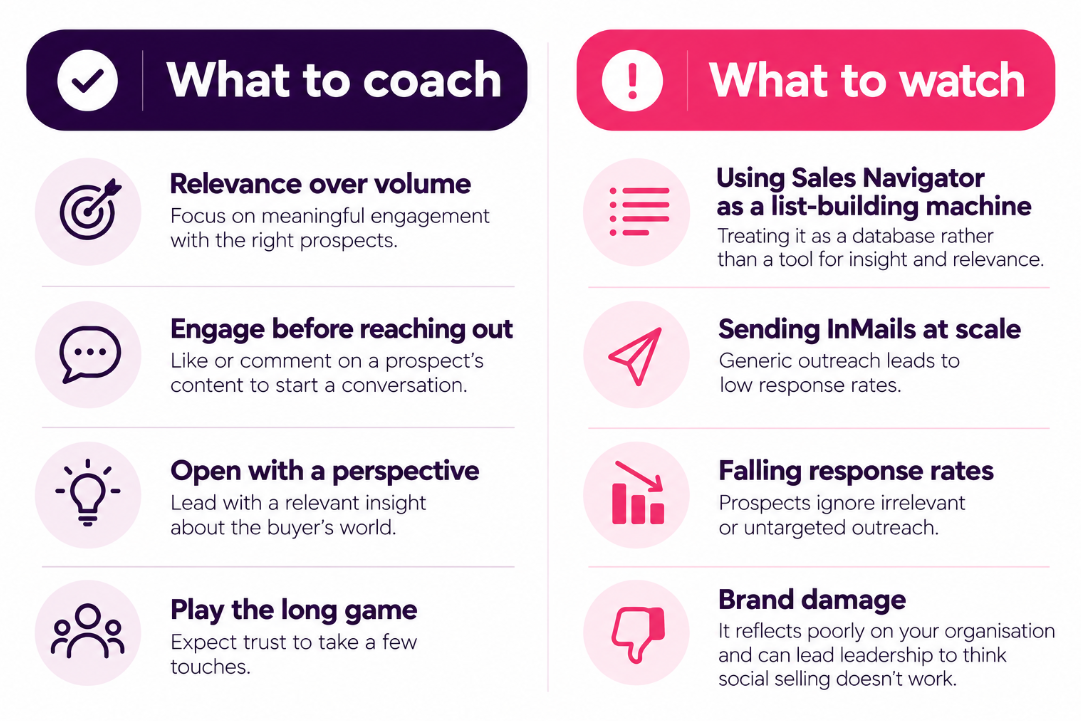
Coach for relevance over volume. Reps should engage with a prospect's content before reaching out, open with a perspective on the buyer's world and expect trust to take a few touches.
Watch for reps using LinkedIn Sales Navigator as a list-building machine and sending InMails at scale. Response rates fall, the brand takes the hit and leadership decides social selling doesn't work.
LinkedIn Sales Navigator for account expansion: how to enable your farmers
Farmers are account managers and account executives growing existing customers through upsell and cross-sell. They already have a relationship, usually with a narrow slice of the account, so your training track shifts from getting noticed to mapping the account and becoming useful to more people inside it.
Map the account before you open the tool
Ask each farmer to list who they know in their top accounts, who influences buying decisions and where the gaps sit. That list becomes the brief for their LinkedIn Sales Navigator set-up.
- Run account mapping sessions by territory. Work through the top five accounts per rep and agree the stakeholders to reach this quarter.
- Pair farmers with marketing. Account-based marketing content gives farmers a relevant reason to engage new stakeholders.
The LinkedIn Sales Navigator features farmers should master
- Account lists with the whole buying group saved as leads. Champions, budget holders, procurement and IT all belong on the list, alongside the day-to-day contact.
- The relationship map. Available on the Advanced tiers, it shows coverage across an account and makes gaps in other business units obvious.
- Alerts on job changes, posts shared, new hires and leadership moves. A new executive is a risk to the renewal and an opening for expansion at the same time.
- Account news and growth signals. Teach reps to use these to time conversations about new use cases.
- Champion tracking. When a champion moves on, follow them to their next company and pass the lead to a hunter.
What to coach farmers on and what to watch
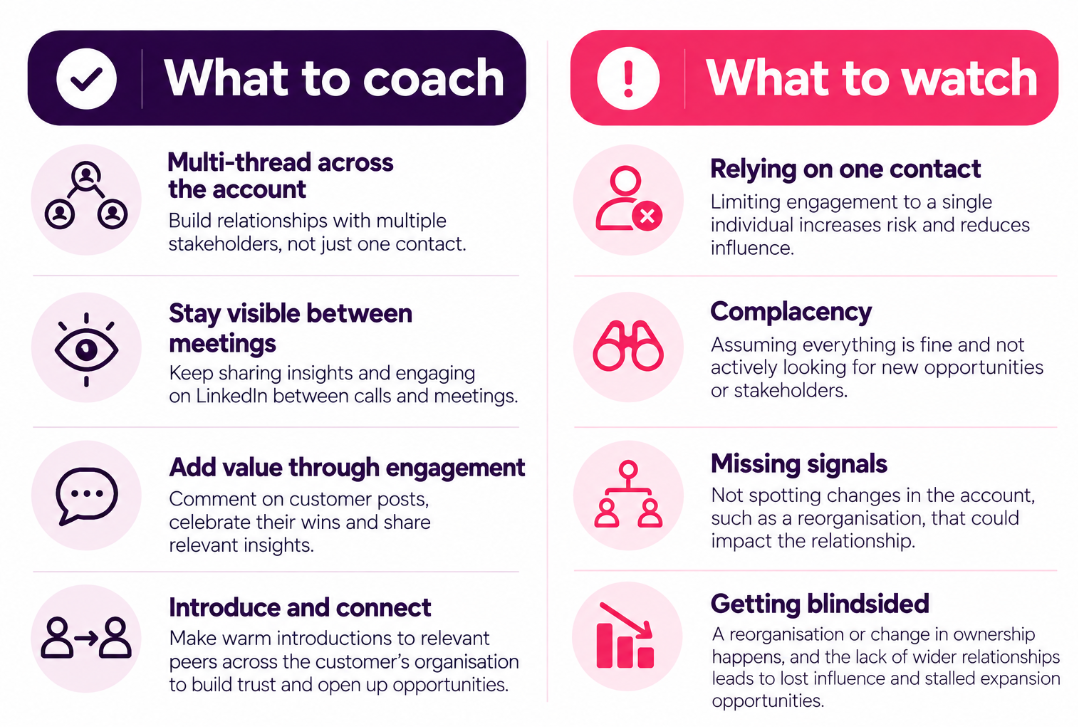
Coach for connection multi-threading and visibility between phone calls and meetings - ensure networks are grown consistently across the account. Commenting on customer posts, celebrating their wins and introducing peers across the customer's organisation builds the trust that makes the expansion conversation feel natural.
Watch for complacency. Farmers who rely on one contact stop looking further and get blindsided by a reorganisation they could have seen coming.
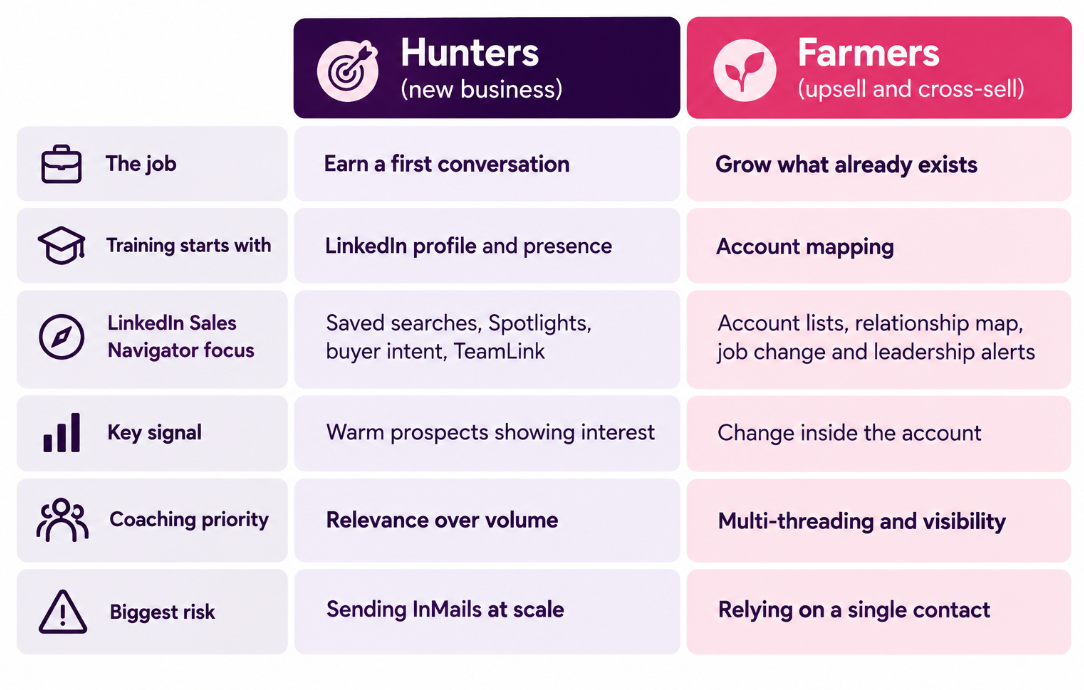
Hunter vs farmer LinkedIn Sales Navigator enablement at a glance
Hunters (new business)
- Goal: Earn a first conversation.
- Training focus: LinkedIn profile and presence.
- Sales Navigator: Saved searches, Spotlights, buyer intent and TeamLink.
- Key signal: Warm prospects showing interest.
- Coaching priority: Relevance over volume.
- Biggest risk: Sending InMails at scale.
Farmers (upsell and cross-sell)
- Goal: Grow existing accounts.
- Training focus: Account mapping.
- Sales Navigator: Account lists, relationship mapping, job changes and leadership alerts.
- Key signal: Changes within customer accounts.
- Coaching priority: Multi-threading relationships and maintaining visibility.
- Biggest risk: Relying on a single contact.
How to structure your social selling programme for hunters and farmers
For programme managers, the practical changes come down to four steps.
- Segment your cohorts. Tag every LinkedIn Sales Navigator seat holder as a hunter or a farmer before training starts. Hybrid roles join both tracks, weighted to where their quota sits.
- Run a shared kick-off, then split the tracks. Cover the basics together, then run separate sessions so every module maps to the rep's real day.
- Measure each track on its own outcomes. Activity metrics such as InMails sent or profile views tell you very little. Use the table above to set the outcomes each group reports on, and review LinkedIn Sales Navigator usage reports alongside CRM pipeline data.
- Build the handover between them. Agree how farmers flag champion moves to hunters and track how many of those leads turn into conversations.
Social selling works when it reflects how trust is built in each relationship. Get the split right and your LinkedIn Sales Navigator investment starts paying back across the whole revenue team.
Frequently asked questions
How should LinkedIn Sales Navigator training differ for hunters and farmers?
Hunters need training on finding and prioritising new prospects, with profile and presence coaching first. Farmers need training on account mapping, relationship coverage and alerts that flag change inside existing customers.
Which LinkedIn Sales Navigator features matter most for account expansion?
Account lists covering the full buying group, the relationship map, and alerts on job changes and leadership moves. Together they show where coverage is thin and when to start an expansion conversation.
How do you measure a social selling programme for account managers?
Track stakeholders engaged per account and expansion pipeline influenced, rather than activity counts. These show whether farmers are widening relationships, which is the point of the programme.
How do you stop reps sending too many InMails?
Make warm routes the default. Train hunters to use TeamLink, past colleague connections and content engagement first. Stop rewarding InMail volume in programme reporting.